29 Home Office Mistakes That Make the Room Hard to Work In
A home office has to support focus, posture, lighting, storage, and video calls. These mistakes make the room harder to work in even when it looks tidy.
29. Putting the Desk in the Glare Zone

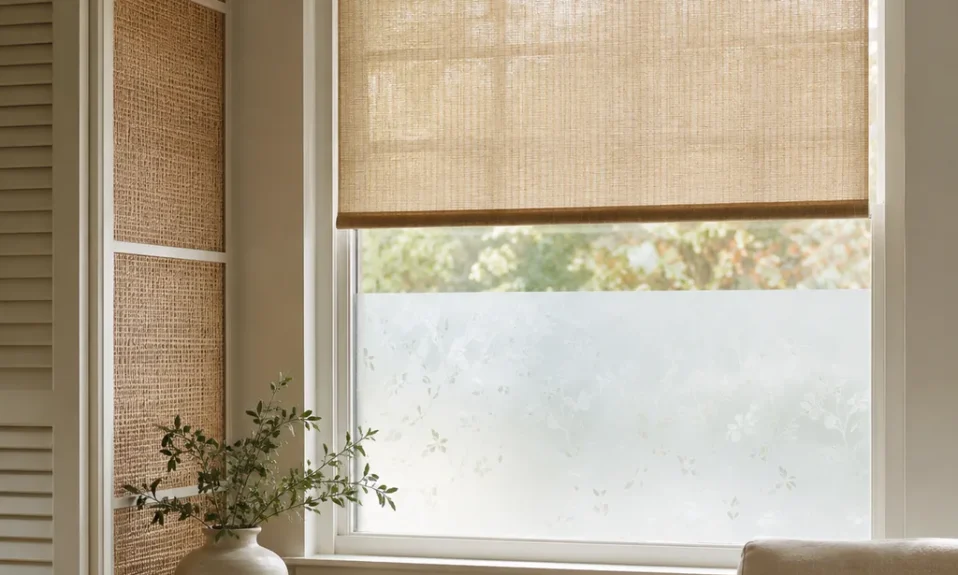
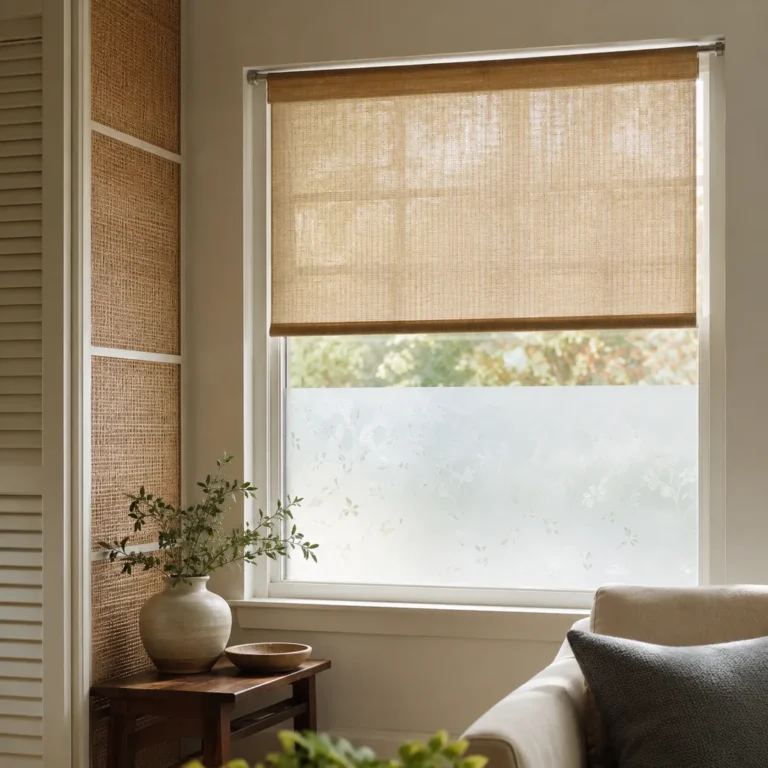
A bright window can look pleasant in photos and still make the screen hard to use by noon.
Sit at the desk during the hours you actually work and watch where glare lands on the monitor, keyboard, and your eyes.
If the window wins, rotate the desk, add a shade, or move to another wall before buying built-ins.
28. Using a Dining Chair as a Work Chair
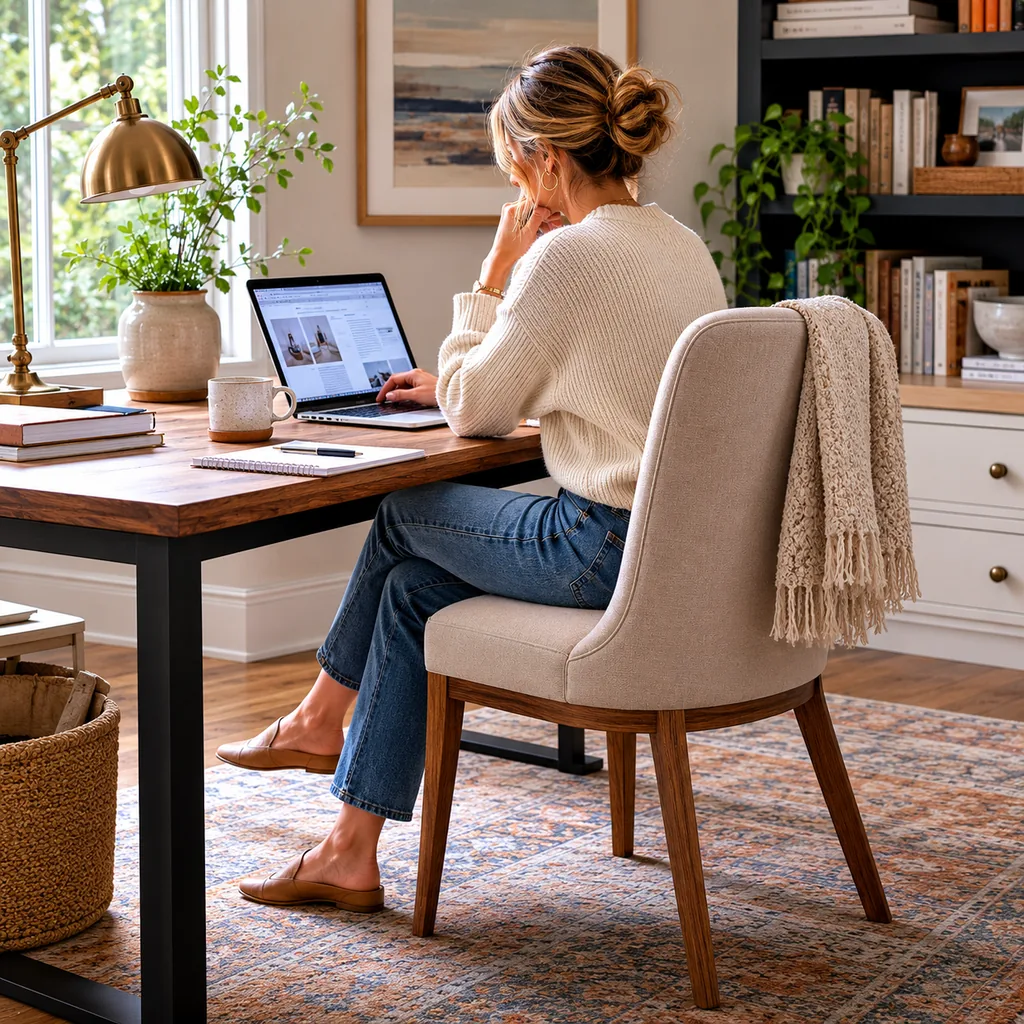
A dining chair is made for a meal, not a full workday.
After a few hours, the fixed height and shallow support can show up as shoulder, hip, or lower-back fatigue.
Choose a chair with adjustable height, lumbar support, and enough seat depth so your feet sit flat and your elbows stay relaxed.
27. Skipping Task Lighting
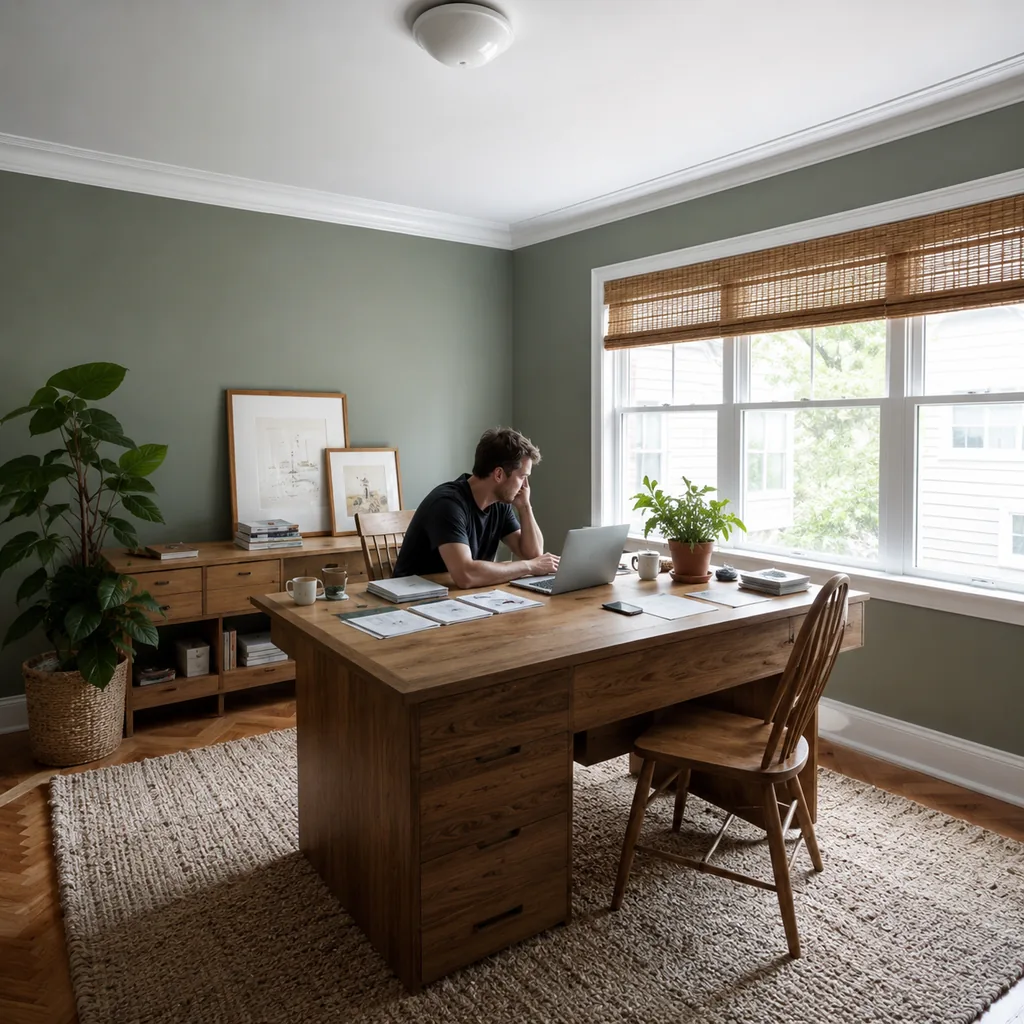
Ceiling light alone often creates shadows on paper and glare on screens.
Add a desk lamp, wall sconce, or monitor-friendly task light that can be aimed away from the screen. The goal is clear work light without making the whole room harsh, especially if you read documents or write notes by hand.
26. Forgetting Outlets and Charging

A desk with cords stretched across the room always feels temporary.
Count the real devices first: laptop, monitor, printer, lamp, phone, tablet, and backup charger.
If the outlet plan is weak, solve it with a proper electrician, floor outlet, or furniture placement instead of relying on extension cords.
25. Choosing a Desk That Is Too Shallow

A shallow desk crowds the keyboard, monitor, notebook, and coffee into the same narrow strip.
For most setups, test whether the screen can sit an arm’s length away while the keyboard still leaves wrist room. A monitor arm can help, but it cannot fix every too-small surface.
24. Ignoring Video Call Backgrounds

Remote work made the background part of the room’s function.
A cluttered shelf, bright window, or hallway behind you can make calls feel distracting even when the desk itself works.
Face a calm wall, bookcase, or tidy corner, then check it on camera before you commit furniture to that layout.
23. Letting Cables Take Over

Cords can make an expensive office look improvised.
Plan a cable tray, clips, sleeves, and a charging drawer before the desk fills up. Leave slack for moving the chair and monitor, keep power strips off the walking path, and label chargers you unplug often.
22. Skipping Closed Storage
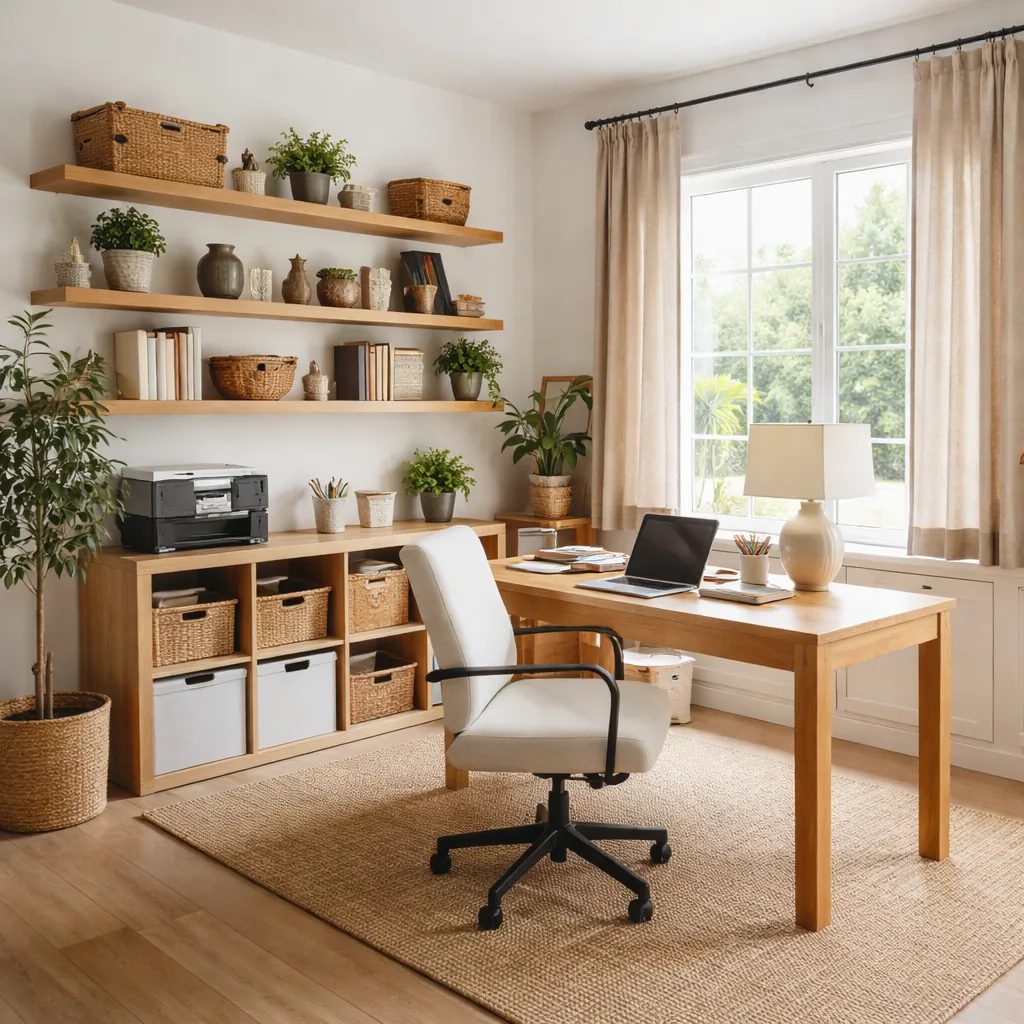
Open shelves show every file, box, spare keyboard, and printer supply.
That can work for books, but it rarely works for the practical things an office collects.
Use drawers, cabinets, or lidded bins for paper, tech, shipping supplies, and backup gear. Display only what stays neat without daily styling.
21. Placing the Desk Where People Walk Behind You

Traffic behind the chair breaks focus and looks distracting on calls.
If possible, face the door or place the desk so movement is beside you, not constantly behind your head. Try one real video call in the spot; a small layout shift can make the room feel calmer.
20. Not Planning Printer Space

Printers, scanners, paper, labels, and ink need more room than most people expect.
If you still print, give the machine a reachable shelf and store paper within one step. Check tray clearance too, because a printer shoved on the floor usually means the office plan is unfinished.
19. Using Cool Harsh Lighting All Day
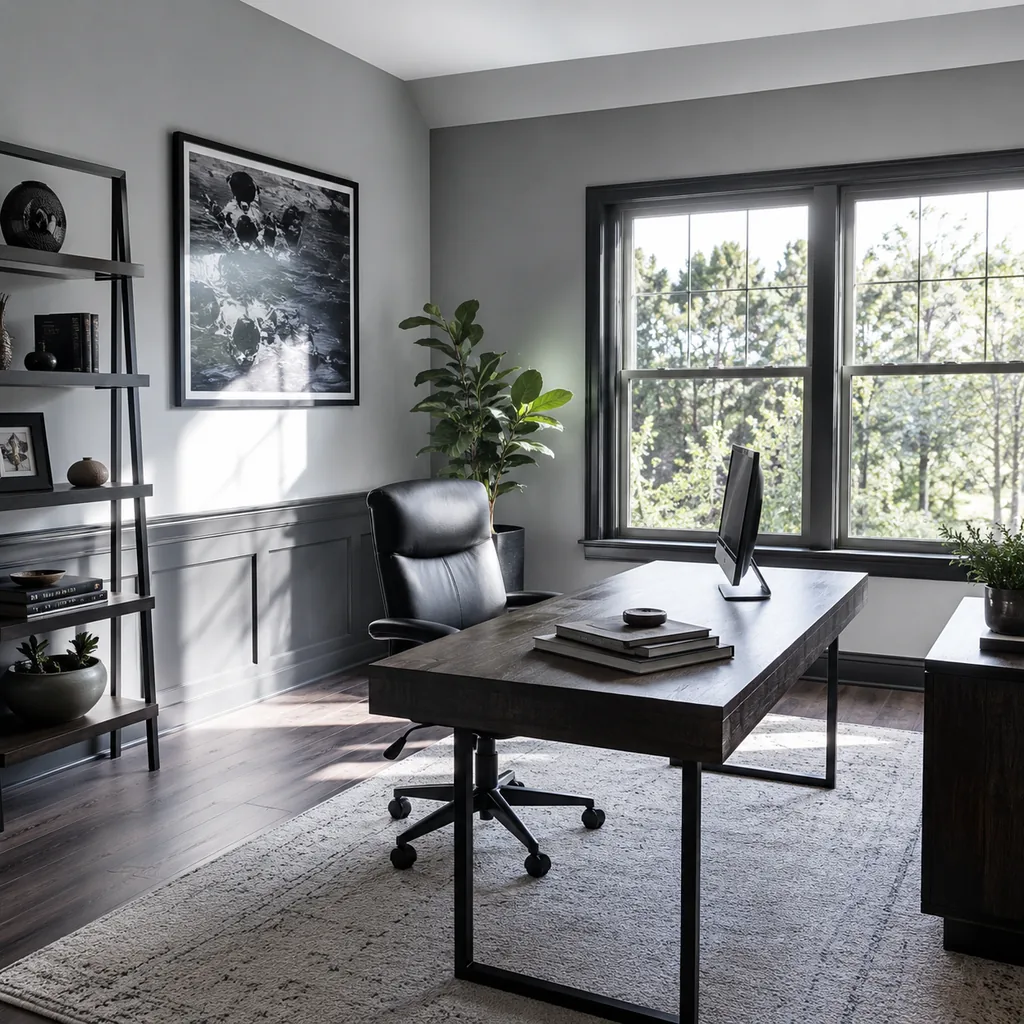
Harsh light can make a home office feel clinical and tiring.
Use warm-neutral bulbs for general light and a focused task lamp for paperwork or keyboard work.
Good color rendering also helps documents, wall colors, and skin tones look more natural on video calls. Test bulbs at night before buying them for every fixture.
18. Forgetting Acoustic Control

Hard floors, bare walls, and empty rooms create echo.
That matters more once the room becomes a call space, because every keyboard tap and hallway noise feels louder.
Use rugs, curtains, books, upholstered seating, or acoustic panels; the same layered thinking helps in lighting plans that make rooms feel warmer instead of harsher.
17. Keeping the Office in a Cluttered Guest Room

Dual-use rooms can work, but only when both uses have boundaries.
Give work gear a closed home so guests do not inherit piles, and keep bedding or luggage from becoming part of the workday backdrop.
If the room cannot reset in five minutes, the two functions are competing instead of sharing.
16. Ignoring Paper Flow

Even digital households still produce mail, receipts, forms, school notes, and tax records.
Create an inbox, action folder, scanner spot, and shred or recycle zone. The same landing-zone logic is worth checking in entryway layouts that stop clutter at the door.
Random piles are not a personality flaw; they are usually a missing route.
15. Not Matching Storage to Work Type
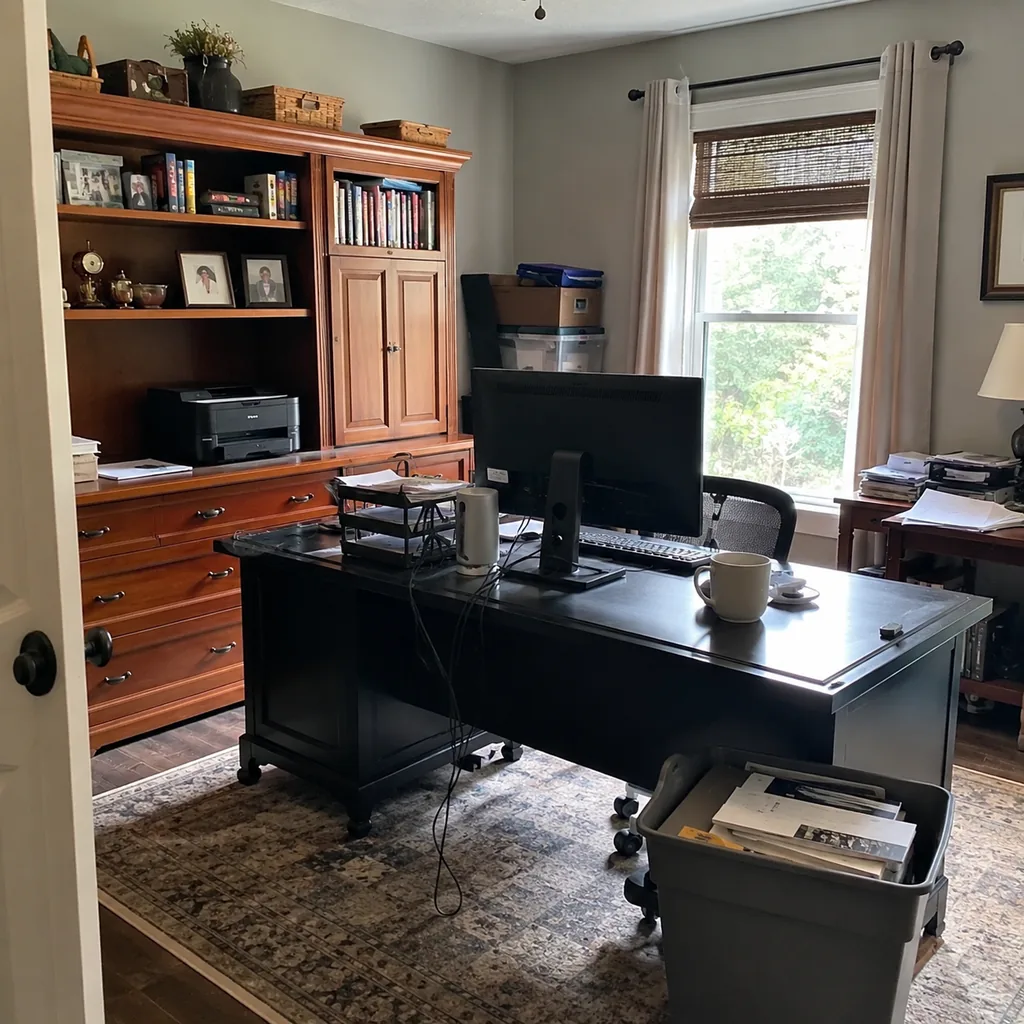
A craft business, remote corporate job, and freelance writing setup do not need the same office.
List the tools, files, samples, cables, and shipping supplies before buying furniture. If storage is the main pain point, compare the plan against closet design mistakes that waste usable space.
The right cabinet is the one sized for your actual work, not the one that looked good in a staged photo.
14. Choosing Style Over Monitor Height

A pretty desk setup can still strain your neck.
Place the top of the monitor near eye level and keep the keyboard and mouse at relaxed elbow height.
If a decorative riser, vintage desk, or tiny writing table fights that posture, treat it as decor rather than the main workstation.
13. Using the Closet as a Dump Zone

Office closets easily become storage for unrelated household overflow.
Reserve zones for files, printer supplies, shipping materials, camera gear, or equipment. Remove holiday bins and random returns if they make work items harder to reach, then label shelves so the closet stays intentional.
12. Skipping a Whiteboard or Planning Surface

Some work needs visible thinking space, not just a laptop screen.
A whiteboard, pinboard, wall calendar, or large notebook zone can keep active projects from turning into paper piles. Put it where you can see it from the chair, not behind a door.
Read More: 29 Mudroom Mistakes That Create More Clutter Instead of Less
11. Not Creating a Shutdown Routine

Work-from-home rooms can feel like work is always open.
Use drawers, cabinet doors, lighting cues, and a simple desktop reset so the room can close at the end of the day.
If the office is visible from a bedroom or living room, this matters even more.
10. Putting the Desk in the Coldest or Hottest Room

Comfort affects focus more than decor does.
Check drafts, afternoon sun, HVAC reach, and seasonal temperature before making a spare room the permanent office.
A room that is too cold in January or too hot in July will slowly become storage again. Test it with the door closed, because that is how many people actually work.
9. Ignoring Wi-Fi Strength

A beautiful office is frustrating if video calls freeze.
Test speed and stability in the exact desk location, not just somewhere nearby.
If the signal drops, plan mesh, Ethernet, or router placement before you decide where the workstation lives. Test with the door closed and another device streaming in the house.
8. Forgetting a Place for Personal Items

Glasses, water, medication, notebooks, and headphones need daily landing spots.
Use a shallow drawer, tray, or small side surface so the desktop does not become a catchall. The best spot is reachable while seated but not in the keyboard zone.
Read More: 29 Laundry Room Mistakes That Make the Space Harder to Use Later
7. Using Open Bookcases for Supplies

Books look good on open shelves; printer paper, cords, spare keyboards, and file boxes usually do not.
Mix open shelves with doors, bins, or drawers so useful supplies stay close without making the office look busy.
The room should look organized on an ordinary Tuesday, not only after a cleanout.
6. Not Leaving Room to Move the Chair
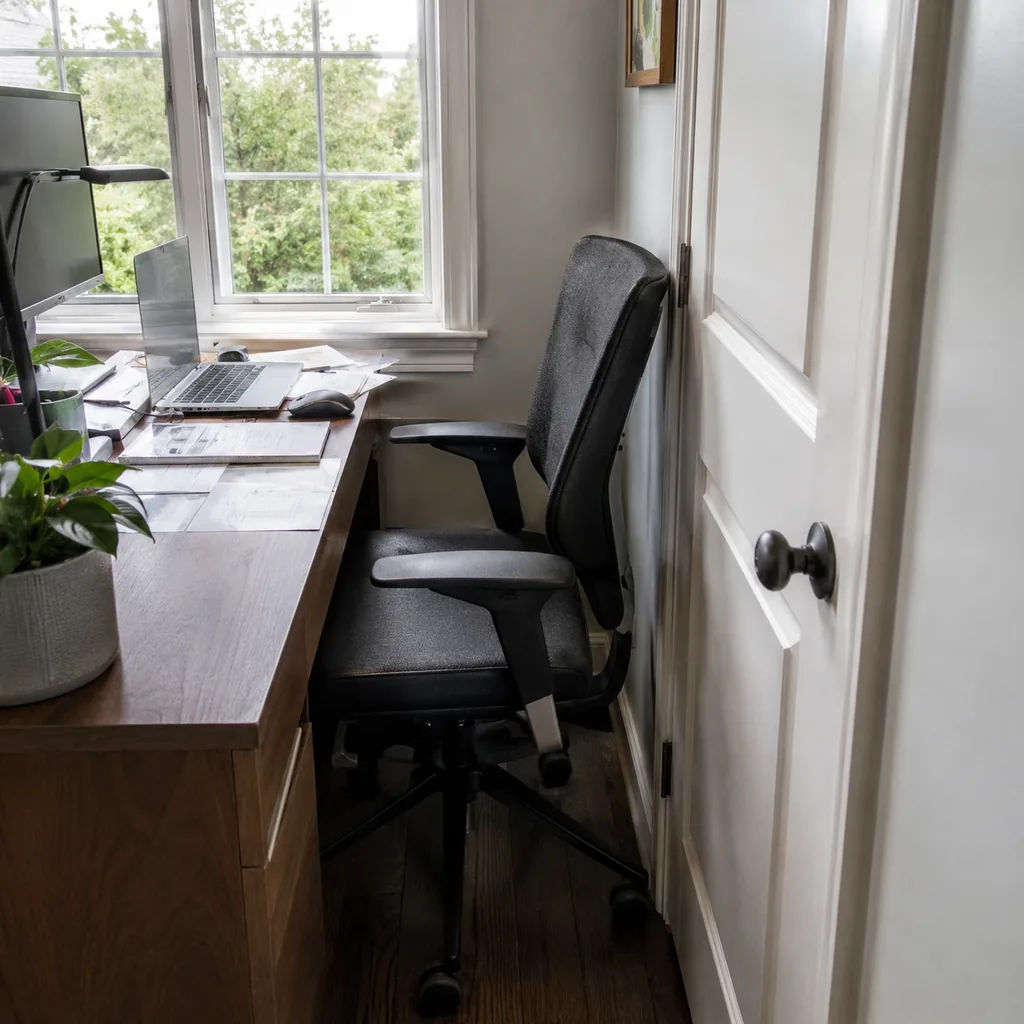
A desk pushed too close to storage can make the chair hit a wall, cabinet, or rug edge.
Pull the chair back like you are actually standing up, then measure that clearance before buying cabinets or placing a large rug. Roughly 30 inches behind the chair is a useful starting check.
5. Skipping Backup Lighting for Evening Work

Late work sessions need light that does not exhaust your eyes.
Use a dimmable desk lamp, soft floor lamp, or bias light behind the monitor instead of relying on one overhead fixture.
The best evening setup keeps the screen comfortable without making the room feel like a store aisle.
4. Forgetting Tax and File Storage
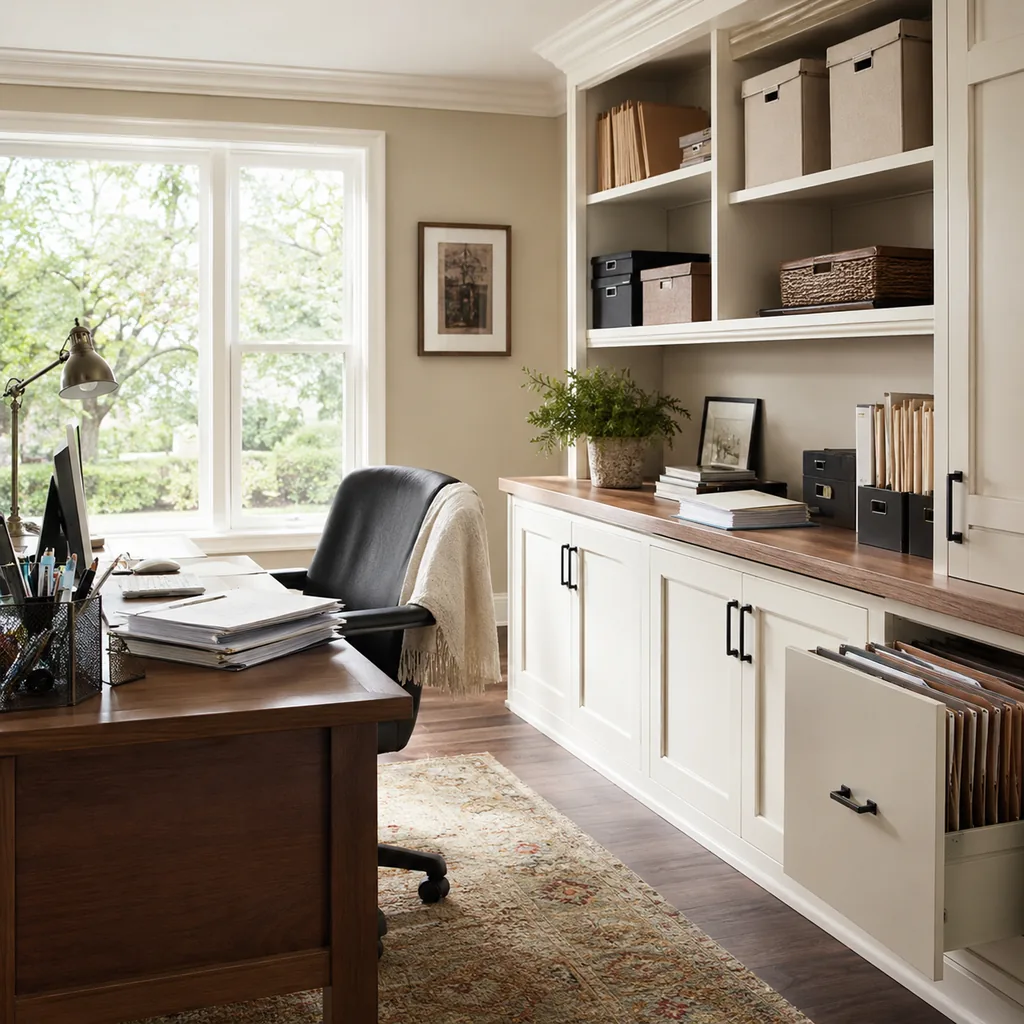
Home offices often need records kept for years.
Separate current files from archive files, label boxes clearly, and keep tax or business documents somewhere dry and easy to retrieve.
If every important paper goes into one drawer, the system will fail when you need something quickly. Keep a scanner or upload routine close to the file zone.
3. Letting Exercise Equipment Share the Background

Hybrid rooms can look chaotic if every function is visible at once.
Use screens, closet storage, or furniture placement to separate work from workout gear, especially if the room appears on video calls. Give each function its own storage so reset does not depend on motivation.
Read More: 27 Bathroom Remodel Mistakes That Are Expensive to Fix Later
2. Not Testing the Room for a Full Week
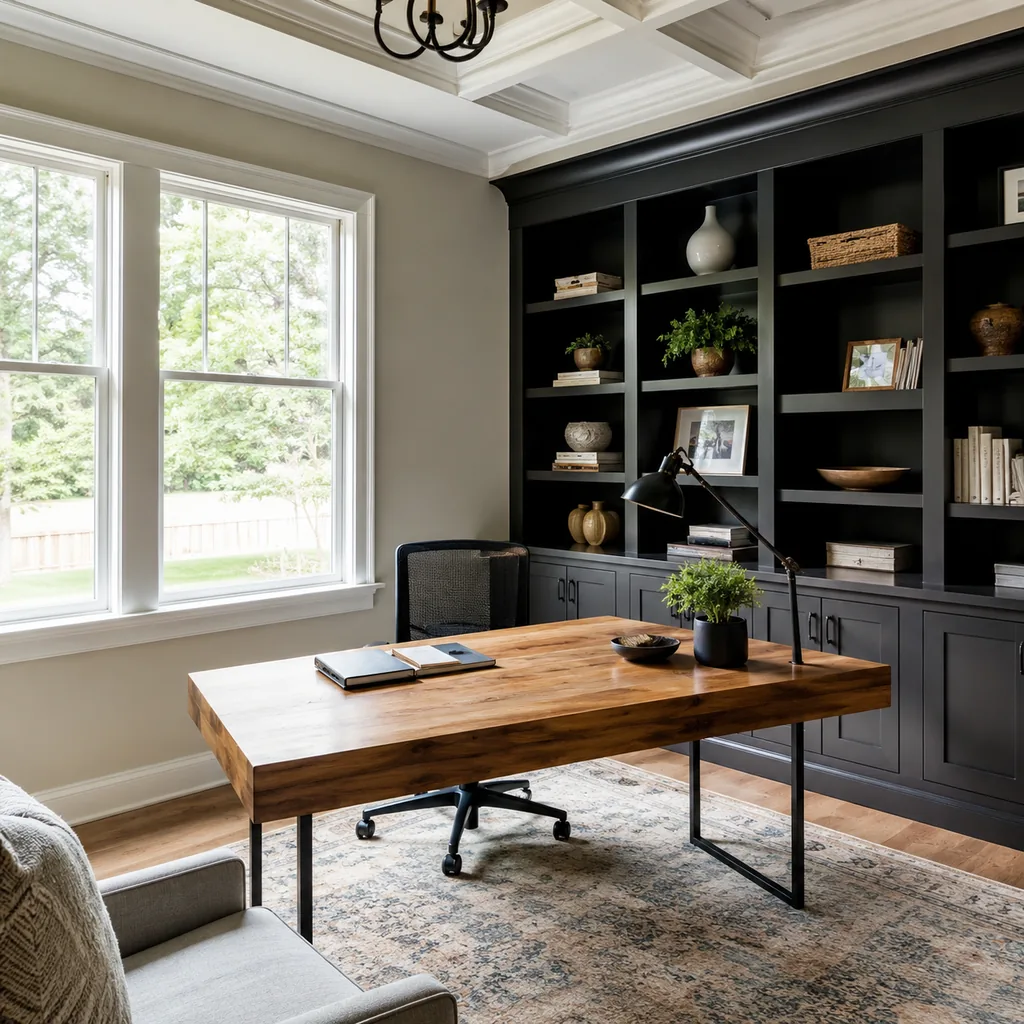
A room can feel fine for an hour and fail after five workdays.
Before investing in built-ins, test glare, noise, chair comfort, temperature, storage reach, and Wi-Fi during a normal work week.
The annoying detail you notice on day four is usually the one worth fixing first.
1. Designing for Productivity Quotes Instead of Work

Wall art does not compensate for a bad chair, poor light, and no storage.
Solve the physical work problems first: posture, power, glare, noise, paper, and clutter.
Once those are handled, the room usually looks calmer without needing much motivational decor. Ask what slows you down at 3 p.m., then fix that before styling shelves.
Make the Room Work Before It Looks Finished
The best home projects are planned around daily use first.
Once the clearances, storage, lighting, and maintenance are right, the finishes have a much better chance of lasting.